Everyday MerciesFaith for ordinary days
All wallpaper sets
Courage

When You Need Courage

For the moments you have to walk into anyway: the new school, the hard conversation, the first step nobody else sees. Five reminders that you don't walk in alone.

On a laptop right now? Open this page on your phone and the wallpapers will download straight to it. From a computer you'd need to send the files to your phone yourself.
Download all 5 Or pick just the one you need below · PNG · phone size
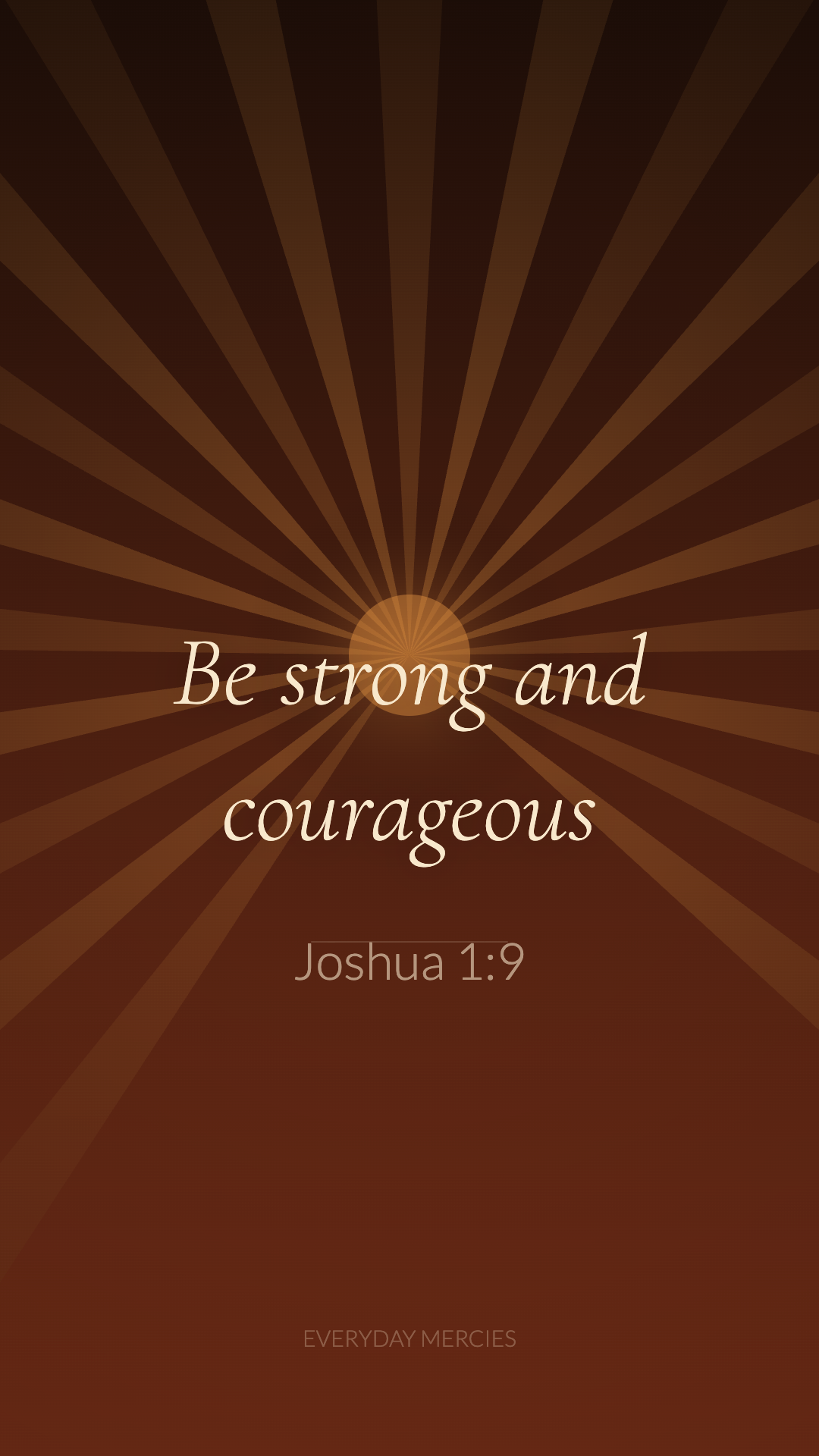
Joshua 1:9 phone wallpaper: Be strong and courageous Joshua 1:9 Be strong and courageous Download
Philippians 4:13 phone wallpaper: I can do all things Philippians 4:13 I can do all things Download
2 Corinthians 5:7 phone wallpaper: Walk by faith 2 Corinthians 5:7 Walk by faith Download
Luke 1:37 phone wallpaper: Nothing is impossible with God Luke 1:37 Nothing is impossible with God Download
Matthew 5:16 phone wallpaper: Let your light shine Matthew 5:16 Let your light shine Download

Swipe to see all five

How to set your wallpaper

Made to fit most iPhone and Android screens. You may need to adjust slightly for your device.

  1. Tap Download under the wallpaper you want. A download icon appears in the Safari toolbar.
  2. Tap that icon, then tap the file to open it.
  3. Tap the Share icon (the box with an arrow pointing up).
  4. Scroll down and tap "Use as Wallpaper."
  5. Move and scale the image if needed, then choose Lock Screen, Home Screen, or Both.
  6. Tap Set.